
How Lumos Radio works
From choosing music to controlling speakers: everything in one dashboard, for all your locations.
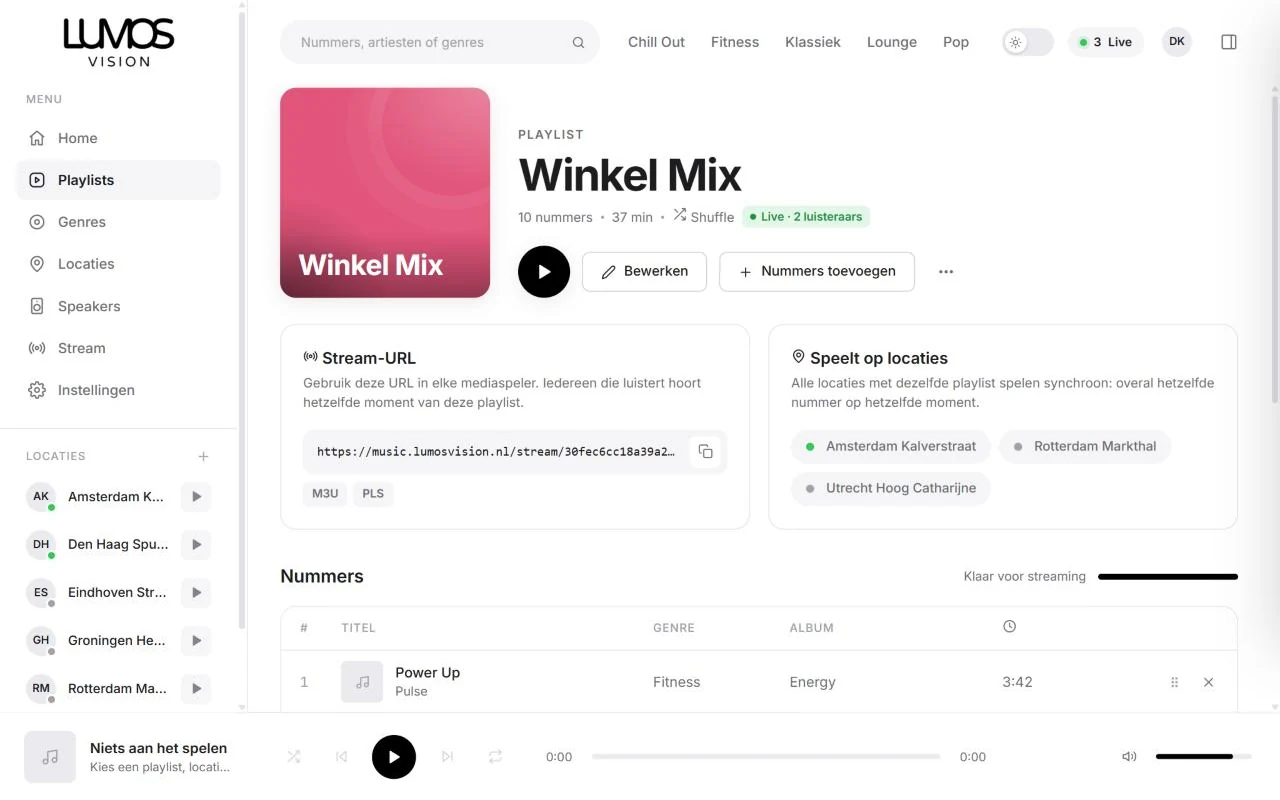
Choose your music
Browse genres like Lounge, Pop and Chill Out and build your own playlists.
The music comes from our library, organised by genre. Preview tracks in the dashboard and add them to a playlist in one click. Your playlists are only visible to your organisation.
- Genres from our music library
- Your own playlists, visible only to you
- Preview tracks in the dashboard
Connect your locations
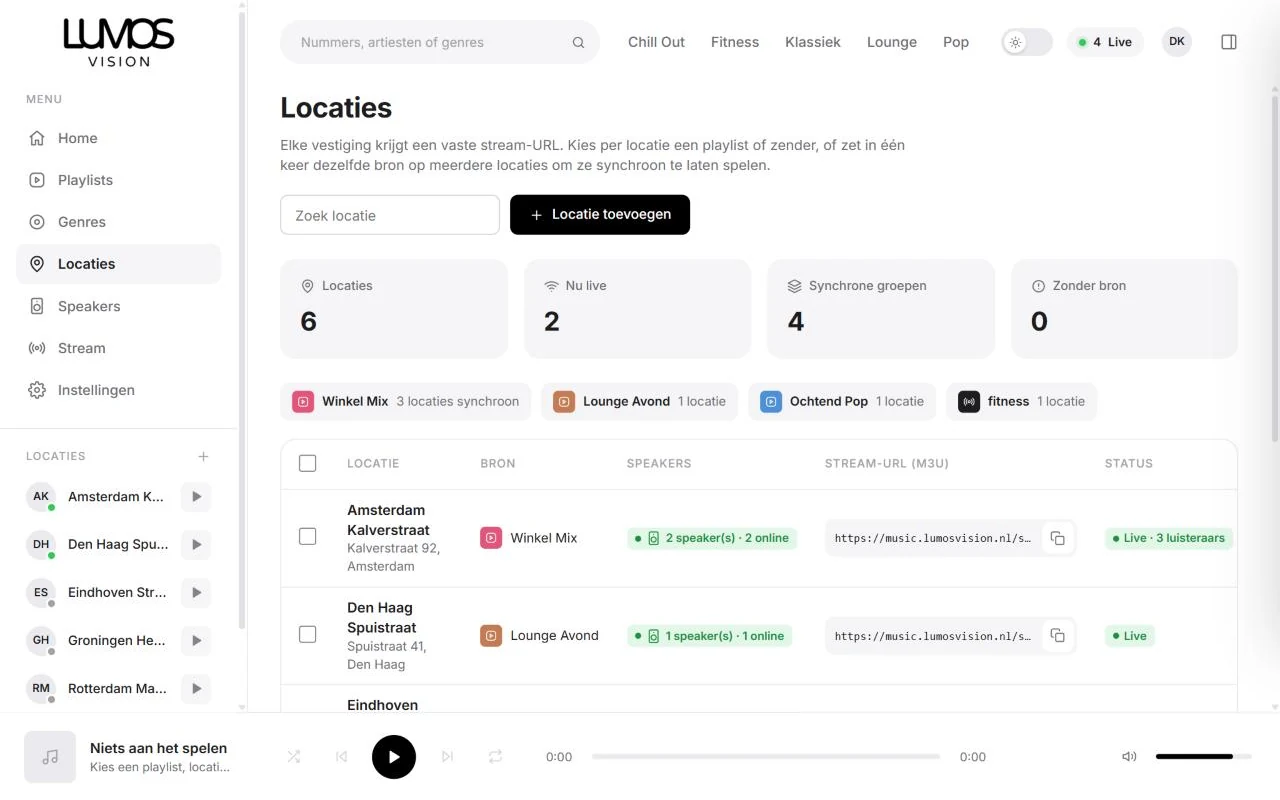
Give each location its own playlist, or let all your branches play the same music in sync.
Every location gets a fixed stream link that never changes, not even when you choose different music. Put several locations on the same playlist and they play in sync: the same track at the same moment everywhere.
- Fixed stream link per location
- Switch several locations at once
- In sync: the same track everywhere
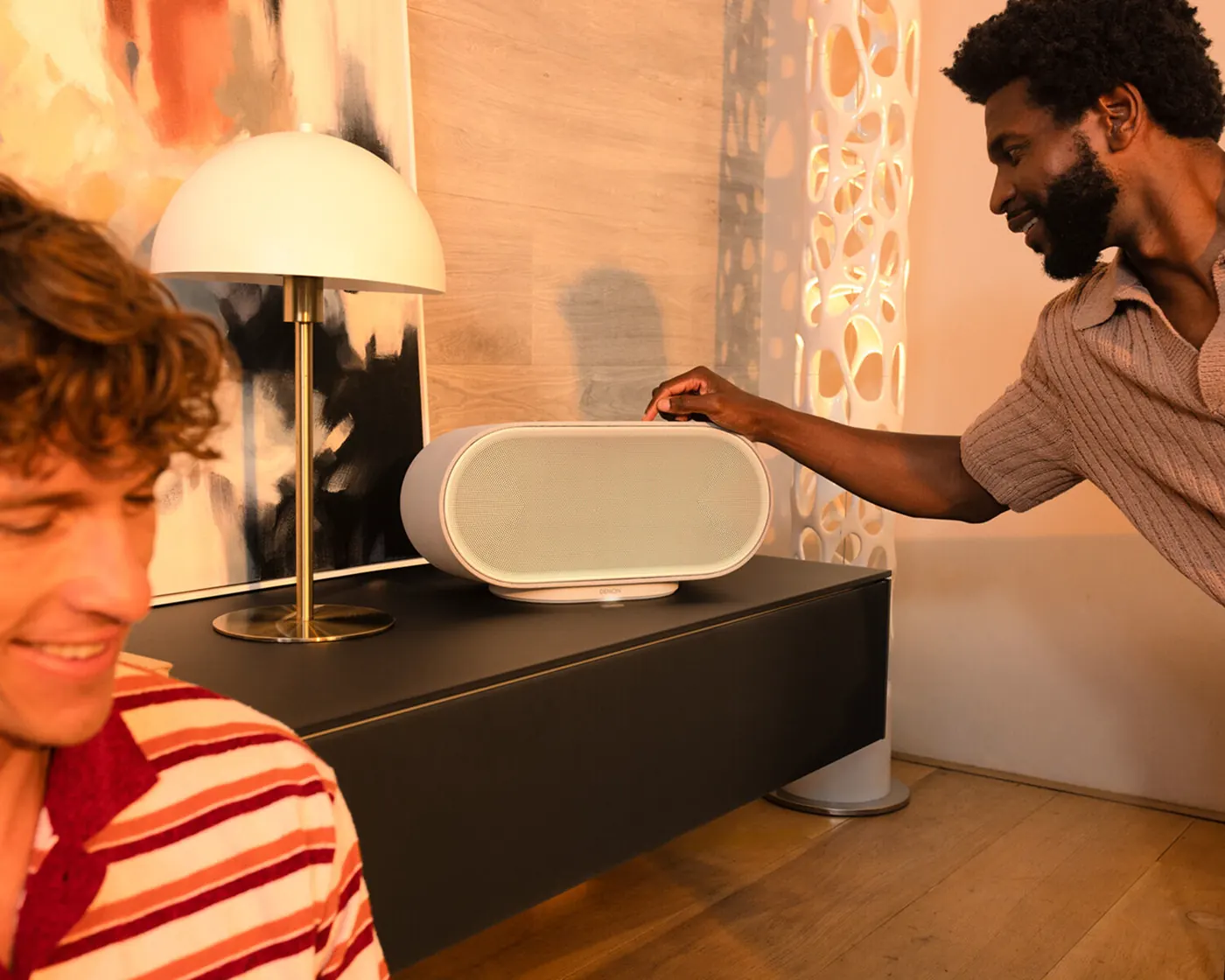
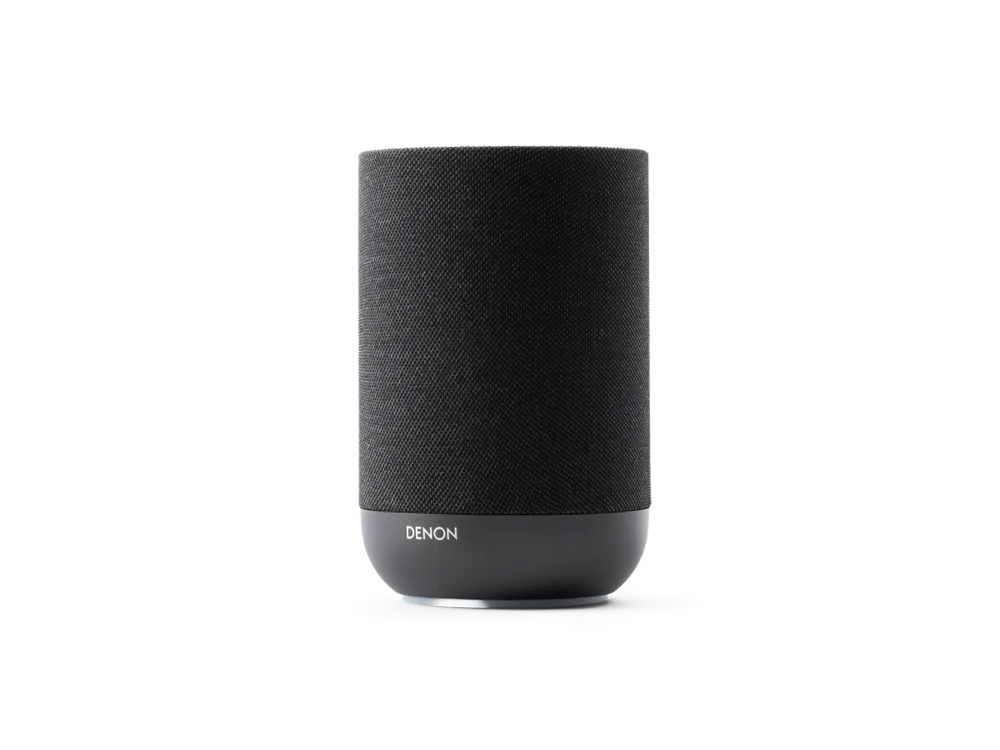
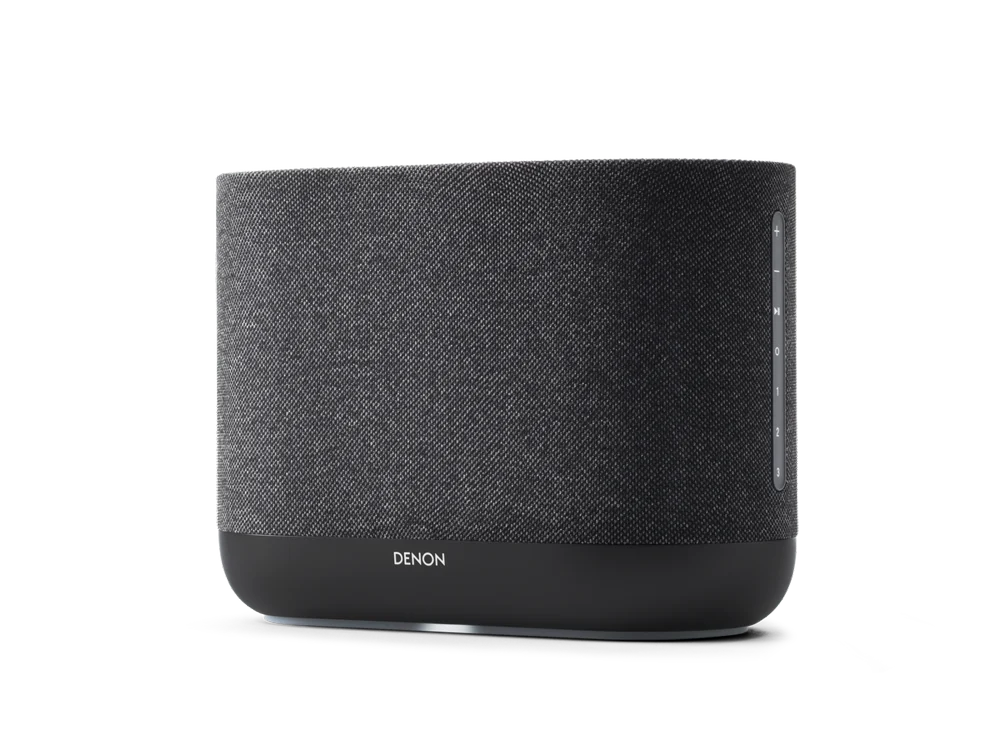
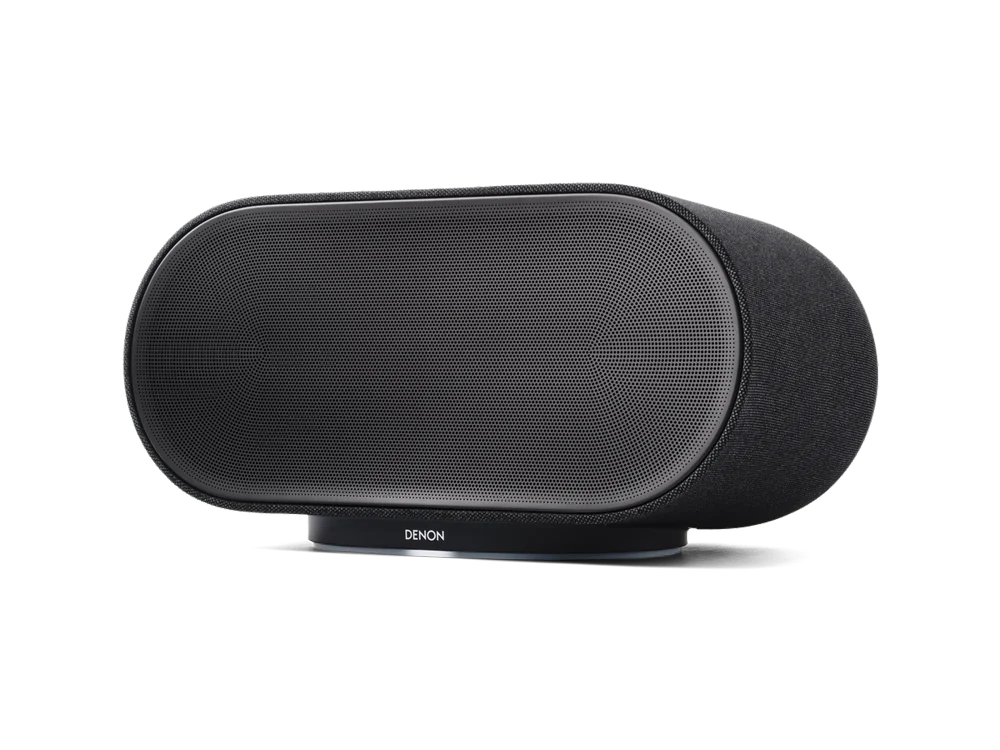
Play on Denon
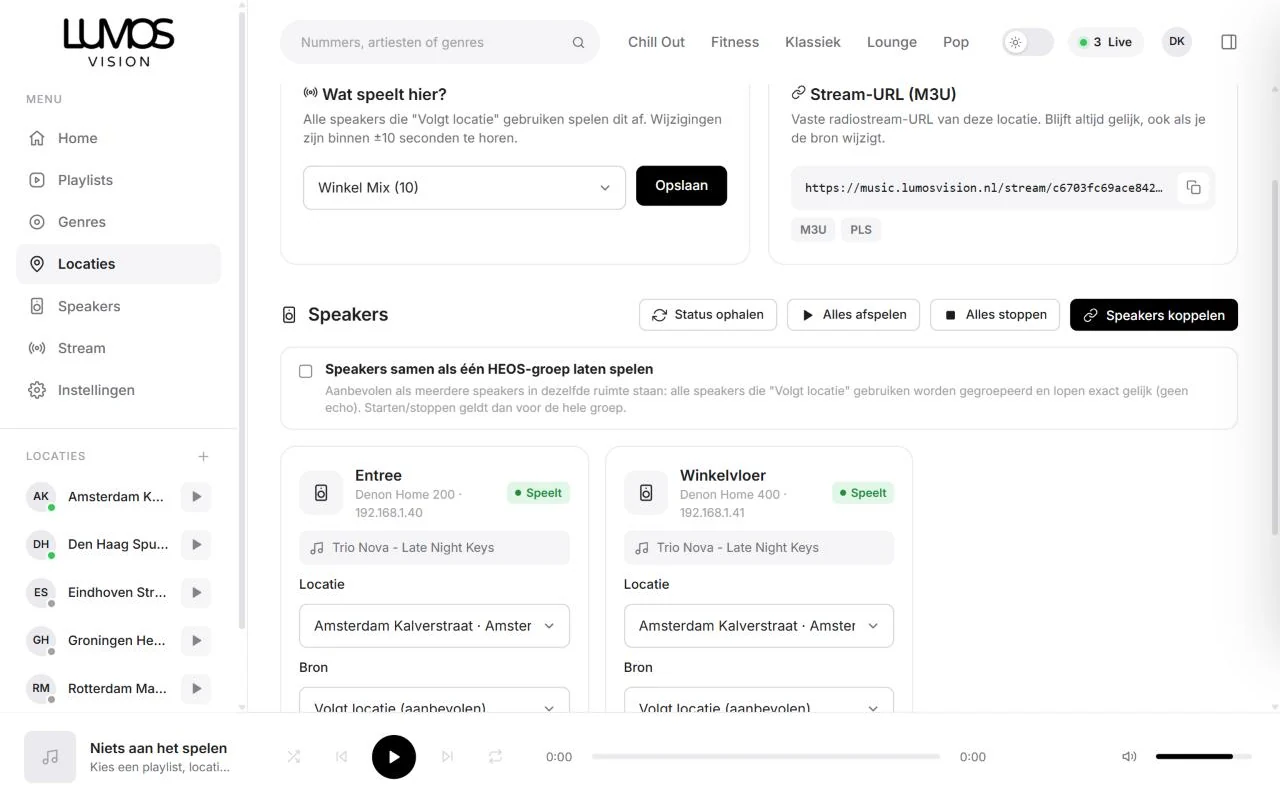
Your Denon Home speakers play the stream of their location. Start, stop and volume are controlled remotely.
Link your Denon speakers to their location. They then automatically play that location’s stream. You can also choose a different source per speaker, for example calmer music in the waiting room.
- Play, stop and volume remotely
- Several speakers per location, also as one group
- Live status and Locked
Keep track
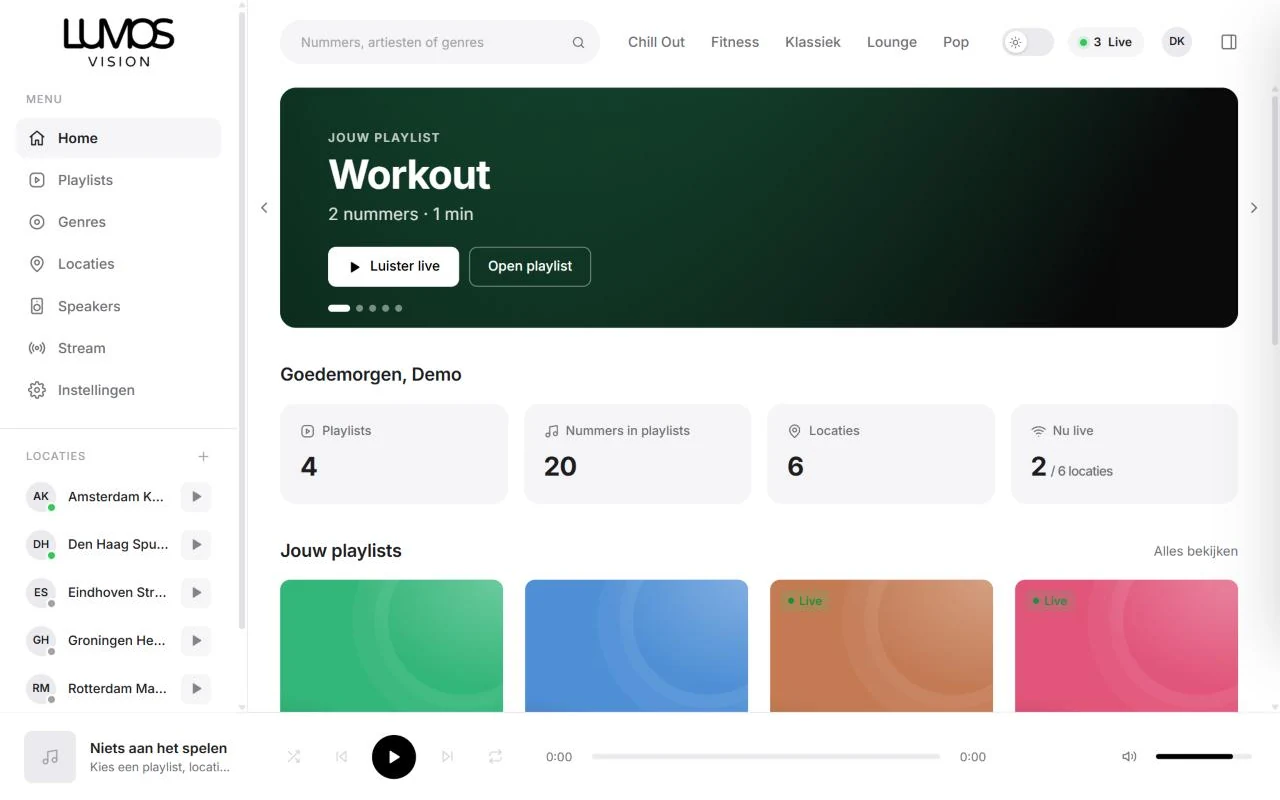
The dashboard home page shows at a glance which locations are live and what’s playing.
For each location you see how many speakers are online and how many listeners the stream has. If nothing is playing somewhere, you see it right away.
- Live status of all your locations
- What’s playing now, per location
- Listen in on any location live in the browser
Real screenshots of the dashboard, with example locations.
How to get started
We help you from the first quote to the first track.
-
1
Quote and account
Configure your package and request a quote. Once approved, we create your account.
-
2
Place the speakers
Set up the Denon speakers and connect them to Wi-Fi with the HEOS app.
-
3
Connect
Together we set up the connection and link the speakers to your locations.
-
4
Music on
Choose a playlist for each location. From then on, you manage everything from the dashboard.
Take a look around the dashboard
Follow the tour or click around yourself. This is how you will manage your music, locations and speakers.
Genres
Music from the library, by genre
- 1 Velvet EveningBlue Lagoon 3:42
- 2 Slow MotionCoastline 4:05
- 3 Late Night KeysTrio Nova 3:18
- 4 Golden HourMila Rose 3:51
- 5 BrushesTrio Nova 2:58
Locations
Every branch with its own stream
Speakers
Denon Home speakers at all your locations
Live overview
What is playing now, and where?
Pick a genre and add its tracks to your playlist in one click.
What do you need?
Not much. This is all:
Internet at every location
A regular internet connection is enough to play the stream.
Denon HEOS speakers
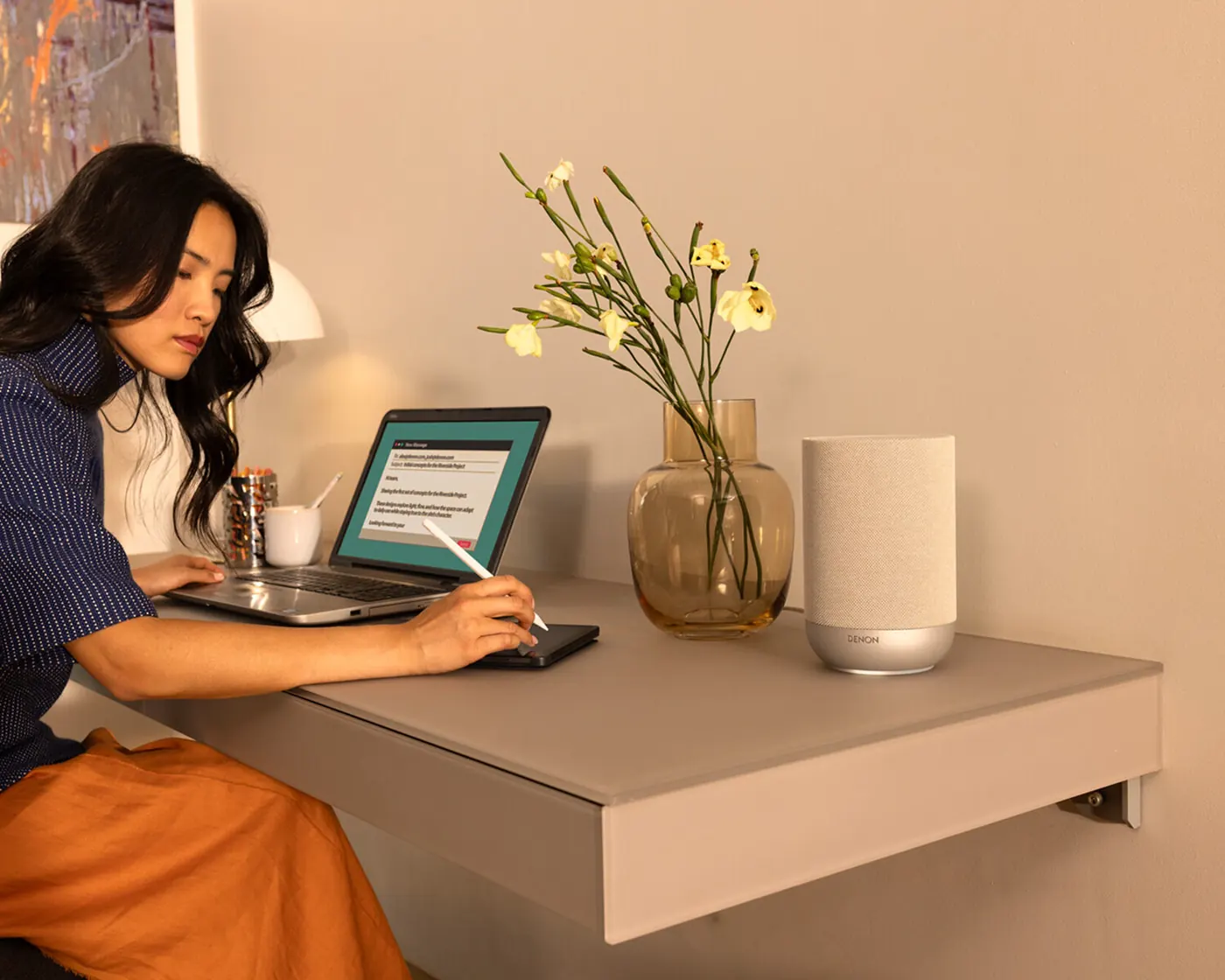
For example the Denon Home 200, 400 or 600. Already have HEOS speakers? You can use those.
A Lumos Radio account
We create your account. After that you add your own locations, playlists and speakers.
A connection to the dashboard
So the dashboard can control your speakers. We set this up during installation together with you or your IT partner.
Ready for music at all your locations?
For €15.00 per location per month, excl. VAT. Calculate your price and request a quote right away.